
No products in the cart.
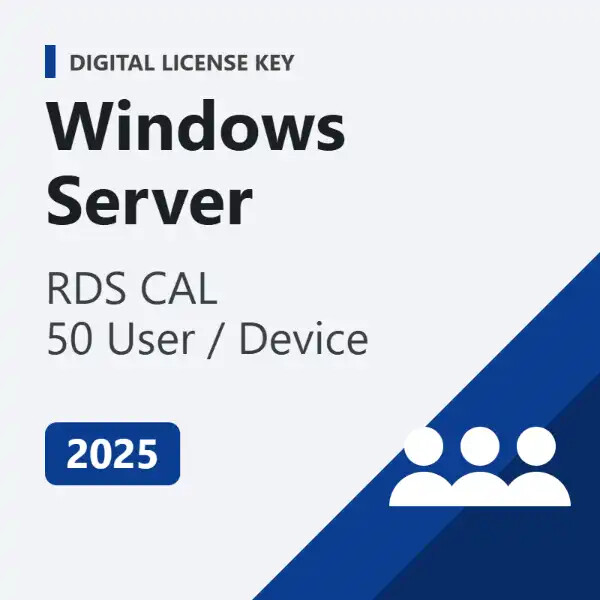
Windows Server 2025 RDS CAL – 50 User / 50 Device Connections | Digital License Key
Roll over image to zoom in
$65.00$129.99 (-50%) Save up to 50%
Genuine Windows Server 2025 Remote Desktop Services CALs — 50 users or 50 devices.
- ✅ Choose 50 User CALs or 50 Device CALs
- ✅ Works with Windows Server 2025 and earlier RDS hosts
- ✅ Lifetime license, one-time payment
- ✅ Delivered by email with activation guide
- ✅ Money-back guarantee and free activation help
Questions? Email us at admin@buydigital.fun.
- ⚡Key by email in minutes
- ✓Official Microsoft download
- 🔒Secure checkout: card, Apple Pay, Google Pay
- ↻Replacement or refund if a key fails
- 💬Free activation help by email & live chat
How it works
- 1Order & pay securelyCard, Apple Pay or Google Pay.
- 2Get your key by emailUsually within minutes, with the download link.
- 3Install & activateStep-by-step guide included, free help if needed.
License details
| Product | Windows Server 2025 Remote Desktop Services CAL |
|---|---|
| License type | Digital license key for the RD Licensing server |
| Quantity | 50 User CALs or 50 Device CALs |
| Compatible with | Windows Server 2025 RD Licensing server; covers 2025 and earlier RDS hosts |
| Term | Lifetime – one-time payment, no subscription |
| Delivery | By email, with activation guide |
| Support | Free activation help by email and live chat |
| Refunds | Replacement or refund if the key does not activate (see refund policy) |
Windows Server 2025 RDS CALs
Remote Desktop Services (RDS) lets your team run desktops and apps on a central Windows Server. However, every user or device that connects needs an RDS Client Access License (CAL). This pack gives you 50 licenses in one key, so you can bring your whole team online quickly.
User CAL or Device CAL?
- 50 User CALs – license 50 named people. Each person can connect from any number of devices. Best when staff work from laptops, home PCs and phones.
- 50 Device CALs – license 50 devices. Any number of people can use each device. Best for shift work, shared PCs and kiosks.
Compatibility
Install the CALs on an RD Licensing server running Windows Server 2025. In addition, 2025 CALs are backward compatible, so they also cover RDS hosts running Windows Server 2022, 2019 and 2016. Running an older licensing server? See our RDS CALs for 2008 to 2022.
How to install the CALs
- First, add the Remote Desktop Licensing role in Server Manager.
- Next, open RD Licensing Manager and activate the license server.
- Then right-click the server and choose Install Licenses.
- Finally, pick License Pack (Retail Purchase) and enter your key.
Frequently asked questions
Do I also need a Windows Server license?
Yes. RDS CALs add remote desktop rights on top of a server license. Get Windows Server 2025 Standard or 2025 Datacenter here.
Can I mix User and Device CALs?
Yes, but each RD Session Host uses one licensing mode at a time. Pick the mode that matches how your team works.
What if the key does not activate?
Contact us with your order number. We help you activate it, or replace or refund the key under our refund policy.
Additional information
| CAL Type | 50 User CALs, 50 Device CALs |
|---|
Customers also buy
- $52.00
$103.99Save up to 50% - Price range: $780.00 through $970.00 Save up to 50%
- $19.00
$37.99Save 50% - Price range: $29.00 through $35.00 Save up to 50%
- Price range: $34.00 through $35.00 Save up to 50%
Reviews
There are no reviews yet.