
No products in the cart.
Microsoft SQL Server 2019 Standard – Digital License
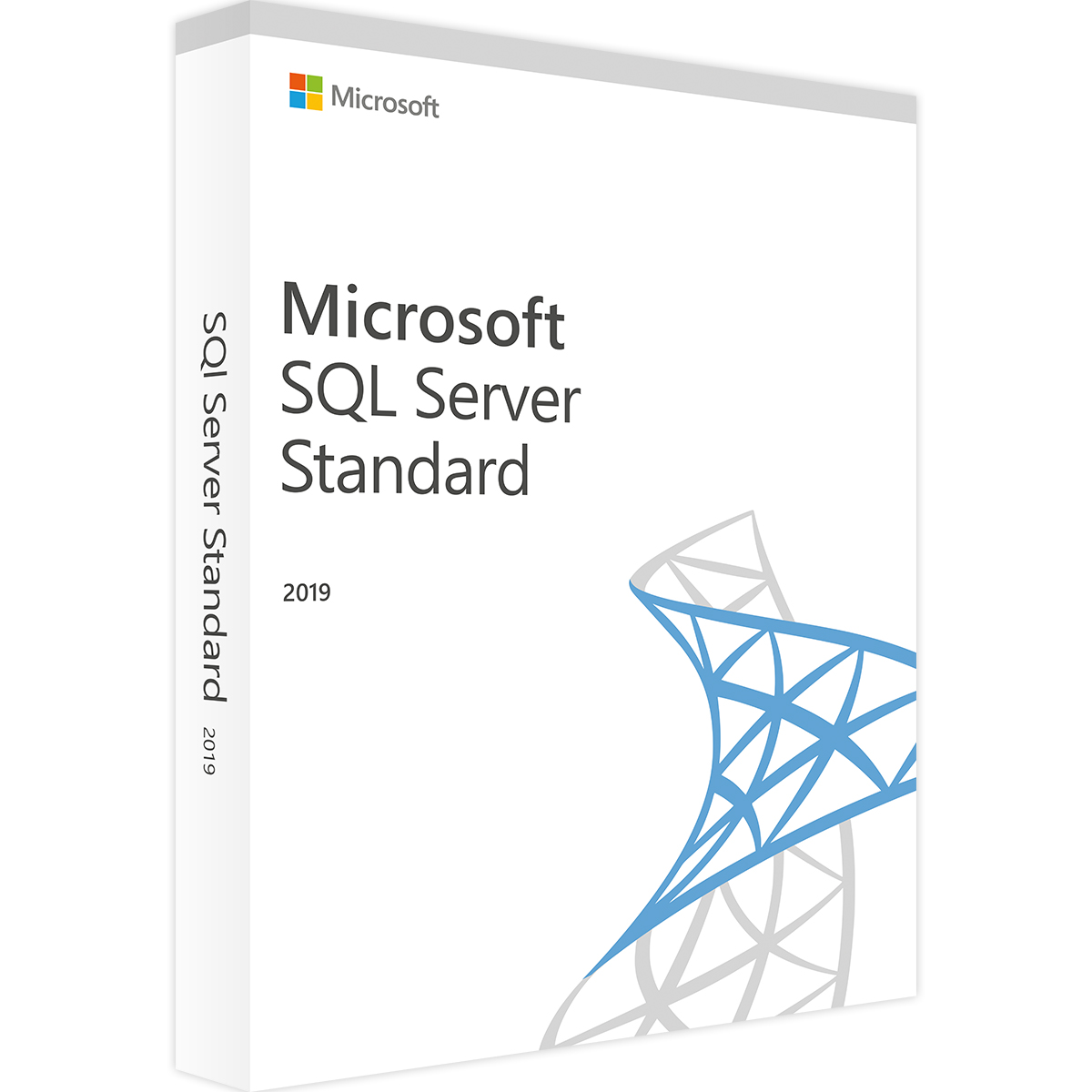
Roll over image to zoom in
$52.00$103.99 (-50%) You save $51.99
Genuine Microsoft SQL Server 2019 Standard license — digital download.
- ✅ Core database engine, reporting and integration services
- ✅ Big data clusters and intelligent query processing
- ✅ Lifetime license for 1 server
- ✅ Delivered instantly by email with download link and activation guide
- ✅ Money-back guarantee and free activation help
Questions? Email us at admin@buydigital.fun.
License details
| Product | SQL Server 2019 Standard |
|---|---|
| License type | Digital license key |
| Servers | 1 server |
| Platform | Windows Server and Windows 10/11 (64-bit) |
| Term | Lifetime – one-time payment, no subscription |
| Download | Official installer from Microsoft (link included) |
| Delivery | By email, usually within minutes of payment |
| Support | Free activation help by email and live chat |
| Refunds | Replacement or refund if the key does not activate (see refund policy) |
SQL Server 2019 Standard license
SQL Server 2019 Standard is Microsoft’s database server for business applications. It stores your data, runs your queries and keeps your apps fast. You pay once, so there is no subscription.
Who is the Standard edition for?
Standard suits small and medium businesses. For example, it can run an accounting system, a web shop database or an internal business app.
The free Express edition is limited to 10 GB per database. Standard removes that limit. As a result, it is the next step when your data outgrows Express.
Main features
- The full SQL Server database engine
- Reporting Services for reports and dashboards
- Integration Services to move and transform data
- Backup compression and basic high availability
- Intelligent query processing for faster queries
Edition limits
SQL Server 2019 Standard uses up to 24 cores or 4 sockets, whichever is lower. In addition, the buffer pool can use up to 128 GB of memory. Most small and medium workloads stay well within these limits.
How to install
- First, download the installer with the link in your email.
- Next, run setup and choose New SQL Server installation.
- Then enter your product key on the edition screen.
- Finally, pick the features you need and finish setup.
Frequently asked questions
Do I need Windows Server?
No, but it is recommended for production. You can buy Windows Server Standard here too.
Is an older version available?
Yes. We also sell SQL Server 2016 Standard.
Compare editions in Microsoft’s SQL Server 2019 editions guide.
Reviews
There are no reviews yet.